



Sanjeevni Kart Trade

Wholesale supply chain built for B2B trade.

Retailers request products, wholesalers fulfill exclusively, and payments move with COD OTP or online advance — built for B2B supply chain workflows.

Exclusive bookingOTP-verified CODTransparent fees
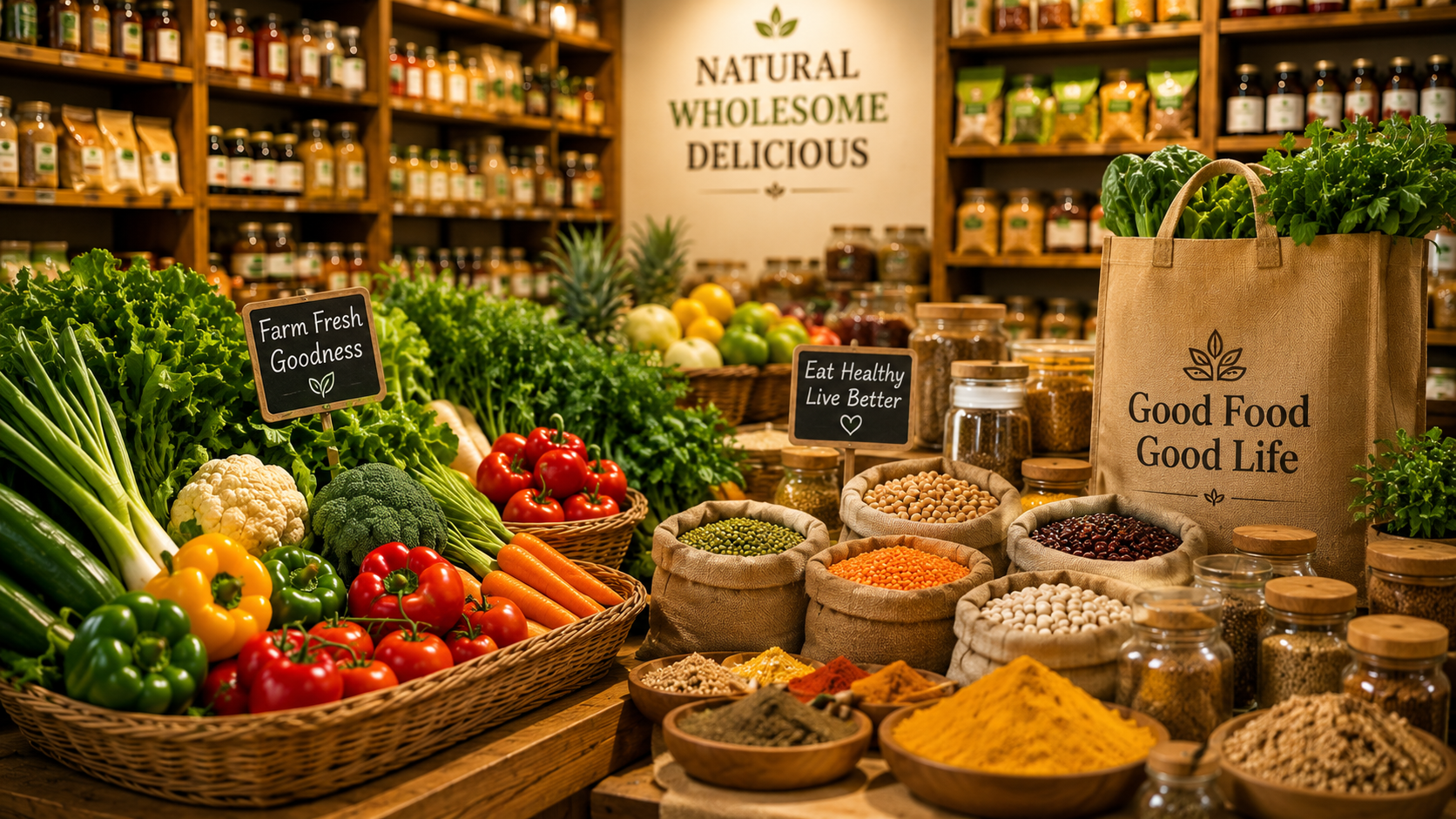
Sanjeevni Kart — fresh produce shop catalog

How it works

Retailer request to wholesaler payout

  1. 1Retailer postsquantity, product, and payment preference
  2. 2Wholesaler booksfull order with exclusive fulfillment
  3. 3Delivery & paystatus auto-updates through to payout

B2B

Wholesaler & retailer

100%

Exclusive booking

OTP

Verified COD

50%

Online advance option

Process

Three steps after you sign in

A clear pipeline from first request to completed payment — statuses advance automatically where possible.

01

Retailer creates a request

Post product, quantity, and preferred payment method. Retailer pricing stays off the public shop catalog.

02

Wholesaler books the full order

One wholesaler claims the entire quantity. Other wholesalers see the request as fully booked.

03

Deliver, confirm, and get paid

Mark delivery complete, confirm COD with OTP or collect the online balance, then request platform payout.

Dashboard tools

Built for trade workflows

Role-specific tabs after sign-in — requests, bookings, payments, and profile in one place.

Wholesaler demands

Publish what you need from farmers and manage fulfillment from your trade dashboard.

Retailer requests

Retailers post product requests; wholesalers book full quantity with exclusive fulfillment.

Delivery workflow

Mark deliveries complete and let statuses advance automatically through the B2B pipeline.

B2B payments

COD OTP, 50% advance online, platform fees, and payout tracking — same flow as farm services.

Why this portal

Trade without mixing retail and wholesale

Customer shop prices stay admin-controlled. B2B requests, bookings, and payments live on this portal.

Dedicated B2B surface

Retailers and wholesalers never compete with website buyer checkout flows.

Exclusive fulfillment

When a wholesaler books, the full quantity is locked to that partner.

Auto status pipeline

Submitted → booked → in progress → fulfilled without manual admin edits.

Role-scoped accounts

Sign up as wholesaler or retailer with dashboard tabs matched to your role.

Roles

Two account types, one supply chain

Pick the role that matches your business. Dashboard tabs and actions change based on how you participate in trade.

Wholesaler

Source from farmers, fulfill retailer demand, and manage B2B payments from your dashboard.

  • View and book open retailer requests in full
  • Submit farmer-side demands and track wholesaler offers
  • Mark delivery complete and manage COD / online balance
  • Platform fee queue and payout requests
Retailer

Request products from wholesalers with quantities and payment terms suited to your store.

  • Post product requests visible to wholesalers on the platform
  • Pay with COD OTP or 50% Razorpay upfront where enabled
  • Track booking and delivery status in real time
  • Pending payments tab for balances and confirmations

Payments

B2B payments with farm-service reliability

The same payment mechanics used for tool rentals and worker hirings — adapted for wholesaler ↔ retailer trade.

  • COD with OTP

    Delivery agents or partners confirm cash collection with a one-time code before status moves to paid.

  • 50% online advance

    Retailers can pay half upfront via Razorpay and settle the remainder after delivery.

  • Platform fee visibility

    Wholesalers see dual commission and platform fee lines before requesting payout.

Sanjeevni Kart — shop delivery and farm services

Built for operations

Operations-first dashboard

Trade partners get a private dashboard — requests, fulfillment, payments, and profile in one place.

Read terms of service

Accounts

Wholesaler or retailer accounts

Sign up with the role that matches your business. Each account type gets its own dashboard tabs after login.

  • Wholesaler — submit demands & fulfill retailer requests
  • Retailer — request products from wholesalers

FAQ

Common questions

Quick answers before you create an account.

Who is this portal for?

Wholesalers and retailers in the Sanjeevni Kart B2B network. Each role gets its own dashboard tabs after sign-in.

Can multiple wholesalers split one request?

No. A wholesaler books the full quantity exclusively. Once booked, the request is closed to others.

How do retailer prices work?

Public shop prices are admin-controlled. Retailer requests are a separate B2B flow with terms set in the trade dashboard.

What payment methods are supported?

COD with OTP confirmation and 50% online advance plus balance on delivery, depending on how the retailer submits the request.

Do I need a separate account from www?

Yes. Create a wholesaler or retailer account on this portal. Customer buyer accounts cannot access trade dashboards.

Who handles delivery status updates?

Statuses advance automatically when wholesalers mark delivery complete and payments are confirmed — admins do not manually flip request states.

Ready to join the trade network?

Create a wholesaler or retailer account and open your dashboard in minutes. OTP email verification keeps every account secure.

Questions? Privacy · Terms